Waldur documentation
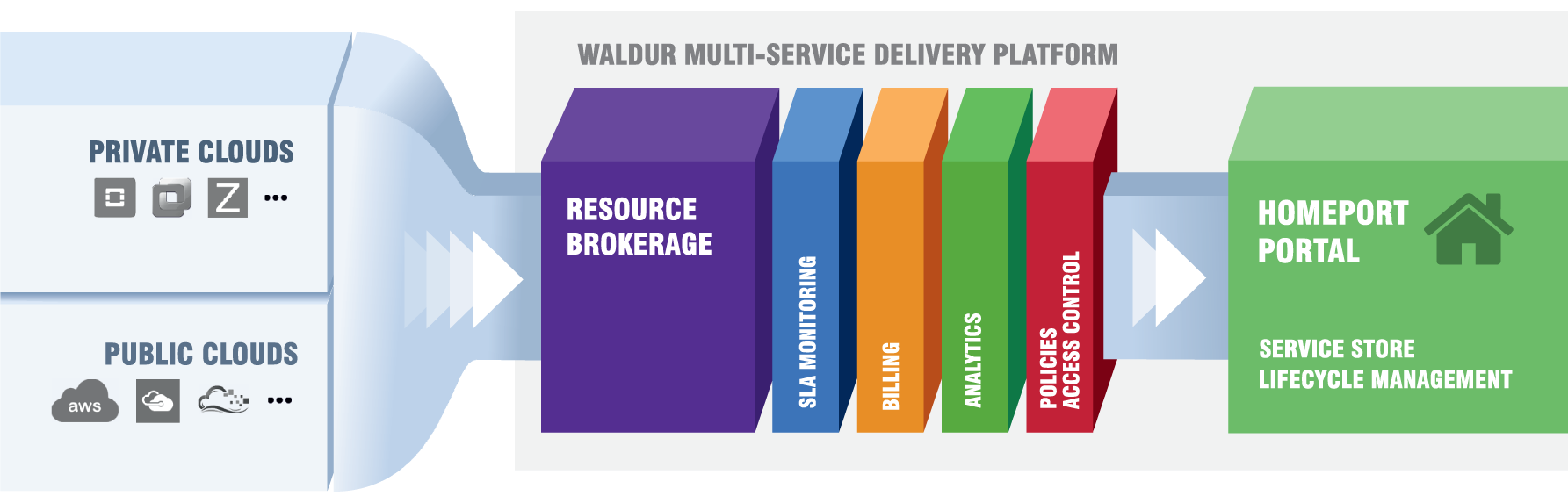
Waldur is an open-source platform for managing hybrid cloud resources. It is used both for controlling internal enterprise IT resources and for selling cloud services. It includes a rich functionality for managing service catalogues and supports integration of services managed by other Waldur deployments.
Get started
-
Try Waldur
Run a local instance with Docker Compose and look around the portal.
-
Use a Waldur portal
Find your way around, set up organizations and projects, and order resources.
-
Deploy Waldur
Install with Docker Compose or Helm, configure identity providers, and go live.
-
Call the API
Make your first request with curl, the Python SDK or TypeScript.
Guides
-
Use Waldur
Organizations, projects and resources; publishing offerings as a service provider; calls for proposals; staff tasks.
-
Operate Waldur
Deployment, settings, identity providers, service provider backends, monitoring and backups.
-
Integrations
SRAM, GLAuth, Open OnDemand, LEXIS, service desks, the Keycloak mapper and the MCP server.
-
Build with Waldur
REST API, Python SDK, waldur-cli, Terraform and Ansible, and how Waldur itself is built.
How Waldur is built
- Waldur MasterMind — broker and orchestrator of cloud services, responsible for technical service delivery. It exposes the REST API, documented in the API reference.
- Waldur HomePort — the web-based self-service portal. It talks to MasterMind over the REST API.
Waldur is open source, extendable, and comes with professional support. For a quick look at the portal, see the screenshots; for the ideas behind it, the concepts.