Inference services
An inference service runs a large language model (LLM) for you and exposes it through an OpenAI-compatible API. You pick a model and a few options, and Waldur provisions the service and hands you a ready-to-use endpoint — you do not manage the serving stack yourself.
Inference services are provider-agnostic: ordering and access work the same way regardless of which provider backend fulfils the request. Only the available models, options, and provider differ from one offering to the next.
Supported backends
Inference services are currently provided by the OpenNebula backend, which runs the model on a virtual machine using a vLLM engine. Support for additional backends may be added over time — this guide applies to all of them. The screenshots below are from an OpenNebula-backed offering.
Ordering an inference service
- Open the Marketplace and select an inference offering (for example vLLM Inference).
- Choose the model from the dropdown. The list contains the models the provider has made available.
- (Optional) Adjust any serving options the provider exposes. Depending on the backend these may include the API port, a web chat interface, and advanced tuning such as quantization, context length, or GPU memory utilisation — leave them at their defaults unless you have a specific need.
- Pick a plan (this determines the compute size — vCPU, RAM, and disk).
- Give the resource a name and click Add to cart, then Request.
Once the order is approved and provisioned, the resource state becomes OK and the endpoint is ready.
Accessing the endpoint
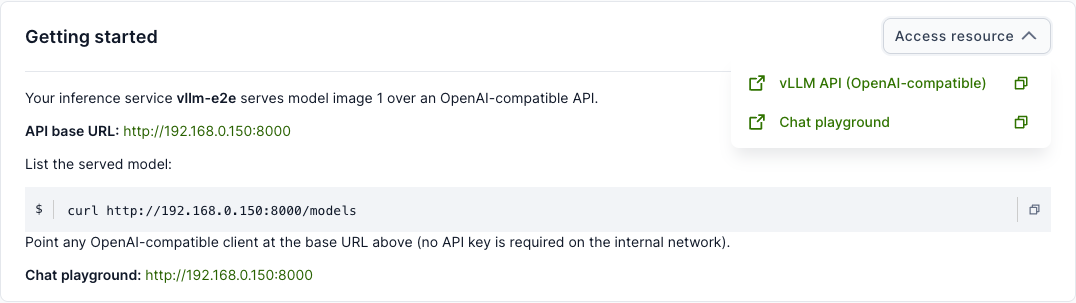
Open the resource and use the Access resource button in the top-right of the Getting started card. It lists two entries:
- vLLM API (OpenAI-compatible) — the API base URL (ends in
/v1). Use the copy icon to copy it, or the open icon to open it in a new tab. - Chat playground — a browser chat UI for the model (when the web interface option was enabled).
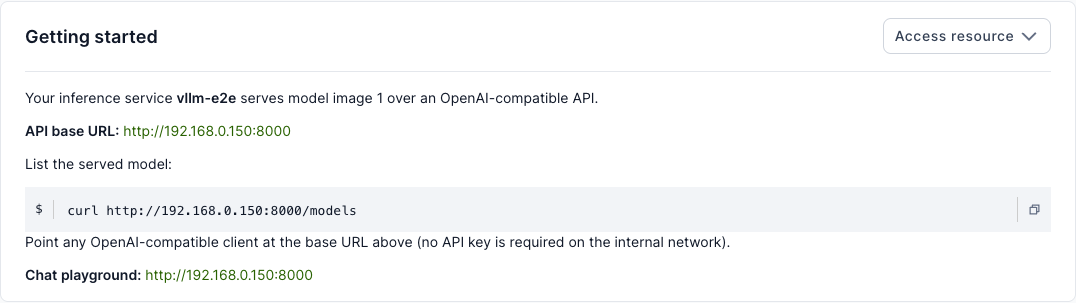
The Getting started card also shows the API base URL and a ready-to-run snippet:
Calling the API
The endpoint is OpenAI-compatible, so any OpenAI client works — point its base URL at the address shown. For example, to list the served model:
1 | |
Any OpenAI SDK works the same way by setting its base URL to the address above.
Note
The API base URL already includes the /v1 suffix expected by OpenAI
clients.
Warning
The inference API is not authenticated — access is controlled by network reachability of the service's private network. Treat the endpoint as internal: do not share it outside your trusted network, and do not expose it on a public address without putting your own authentication in front of it.
Playground
If the provider enabled it (the Expose inference playground offering option), the resource's Actions menu includes a Playground action for chatting with the model directly in the browser — no external client needed.
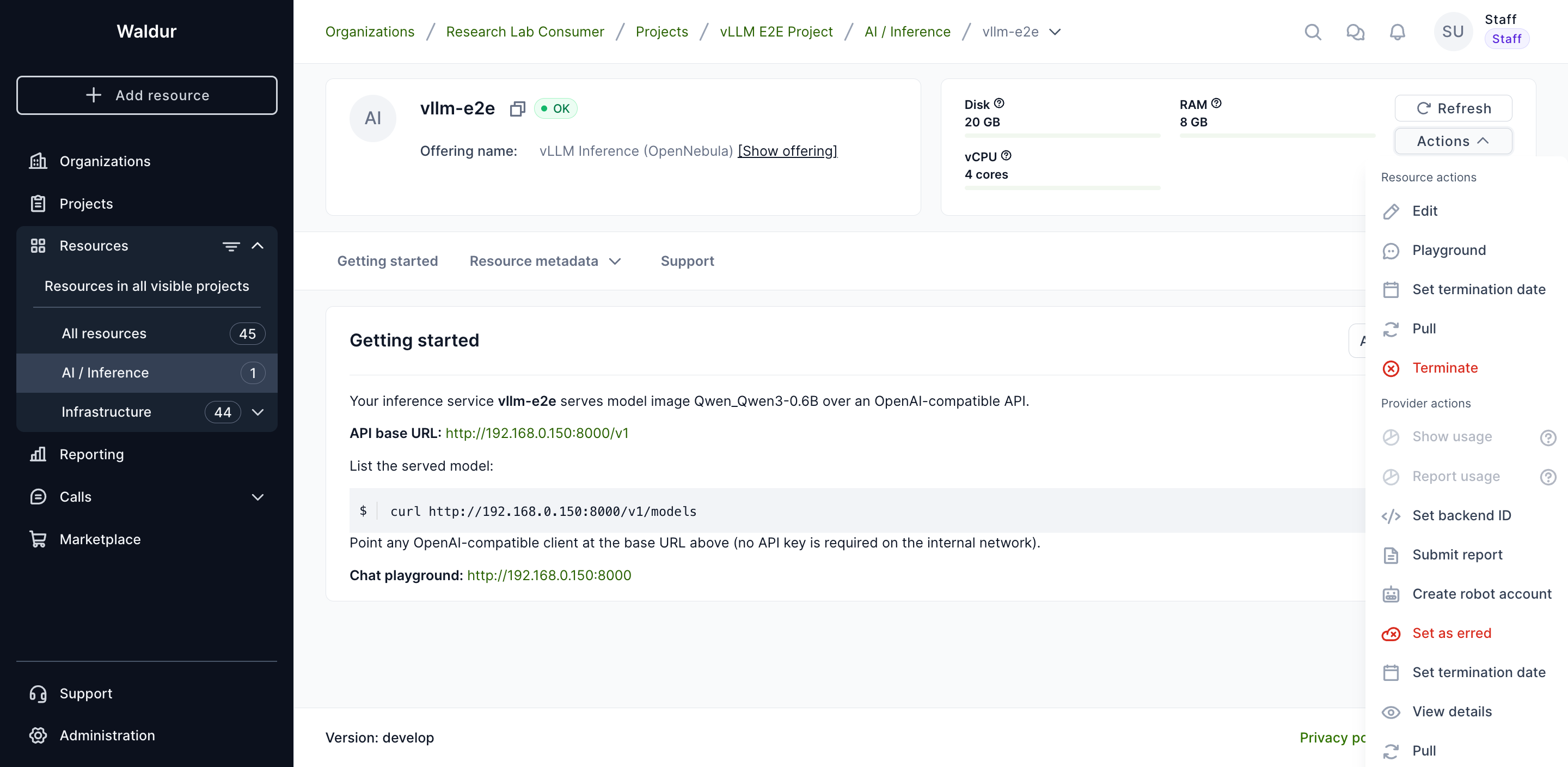
Open it, type a prompt, and the reply streams back from the model. Models that emit reasoning show it in a collapsible Reasoning section above the answer.
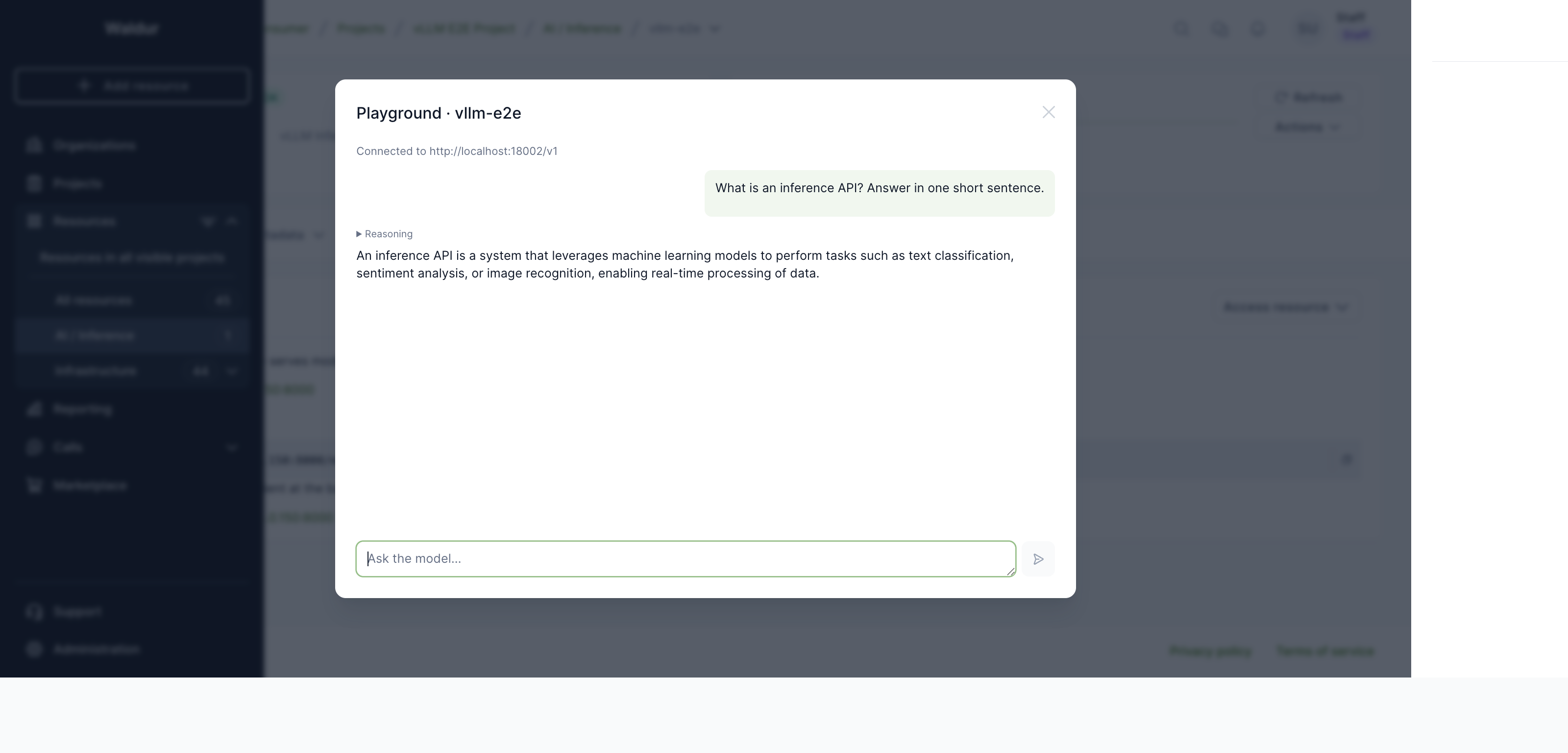
Note
The playground calls the endpoint directly from your browser, so it works only when the endpoint is reachable from your network — the same prerequisite as the access URLs above.
Managing the service
The service is an ordinary virtual-machine resource: you can pause, resume and terminate it from the resource page, and its usage is billed according to the plan you selected.