Metrics of OpenStack virtual machines and volumes
When your OpenStack provider has turned on instance metrics, Waldur reads your virtual machines' CPU, memory, network and disk figures from OpenStack, and each virtual machine and volume gets a Metrics tab. The figures also add up on the project's Metrics tab.
The Metrics tab
Open the virtual machine or volume and select Metrics.
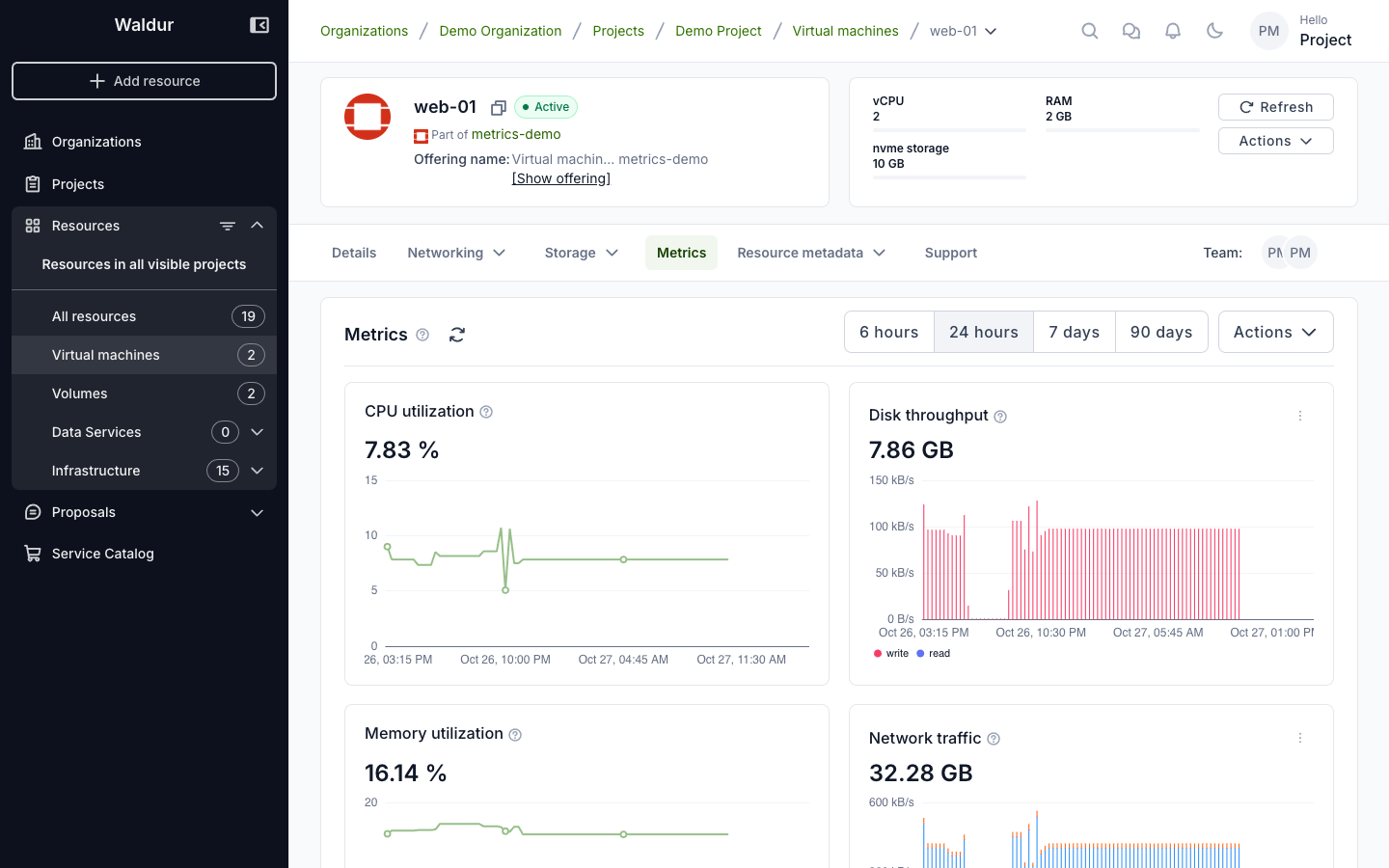
Each card is one metric. Its figure is this month's so far: the total for traffic, disk and CPU time, the latest level for CPU and memory utilization. The question mark next to a metric's name says how the figure is computed.
Next to the Metrics title:
-
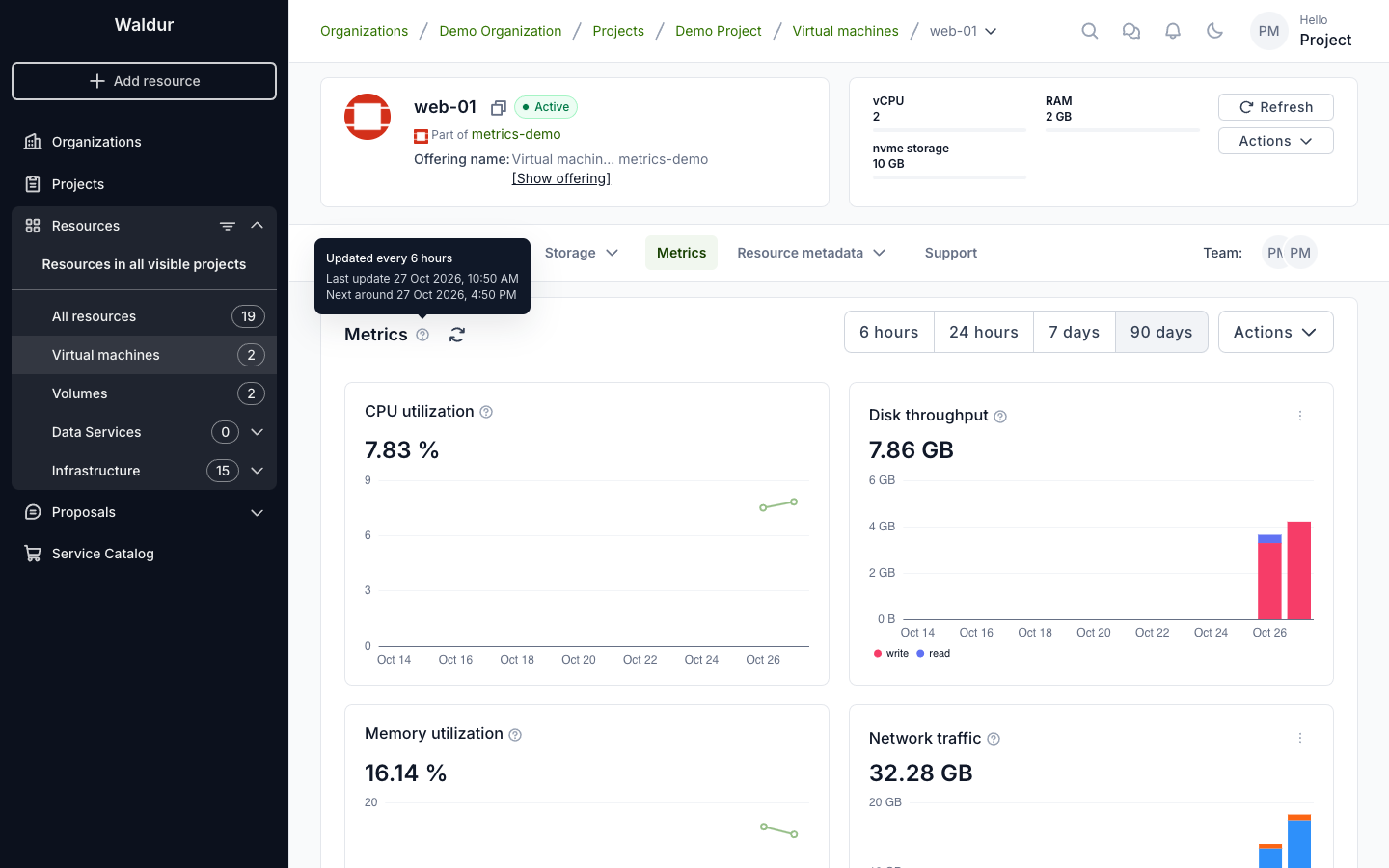
The question mark says how often the virtual machine is read, when it was last read and when it is read next.
-
Refresh shows Waldur's latest figures. It doesn't read the virtual machine; Update now does.
Choosing a period
6 hours, 24 hours, 7 days or 90 days — the chart's span. 90 days, one bar per day, is the default.
The shorter spans are for looking closely, for example while you investigate a problem:
| Span | One bar per |
|---|---|
| 6 hours | 5 minutes |
| 24 hours | 15 minutes |
| 7 days | hour |
Over these spans, traffic and disk figures are rates — kB/s or MB/s, and IOPS, I/O operations per second — averaged over each bar. Each read covers the time since the one before, so with reads every few hours the bars between two reads are even: the read tells how much was done, not when. For detail, ask for faster updates. CPU and memory utilization are lines through the reads.
Over 90 days, the bars are each day's totals: bytes and I/O operations, not rates.
Reading sooner
The Actions menu reads the virtual machine sooner for people who manage it: organization owners, and project managers and administrators. Everyone else sees only Project goals there.
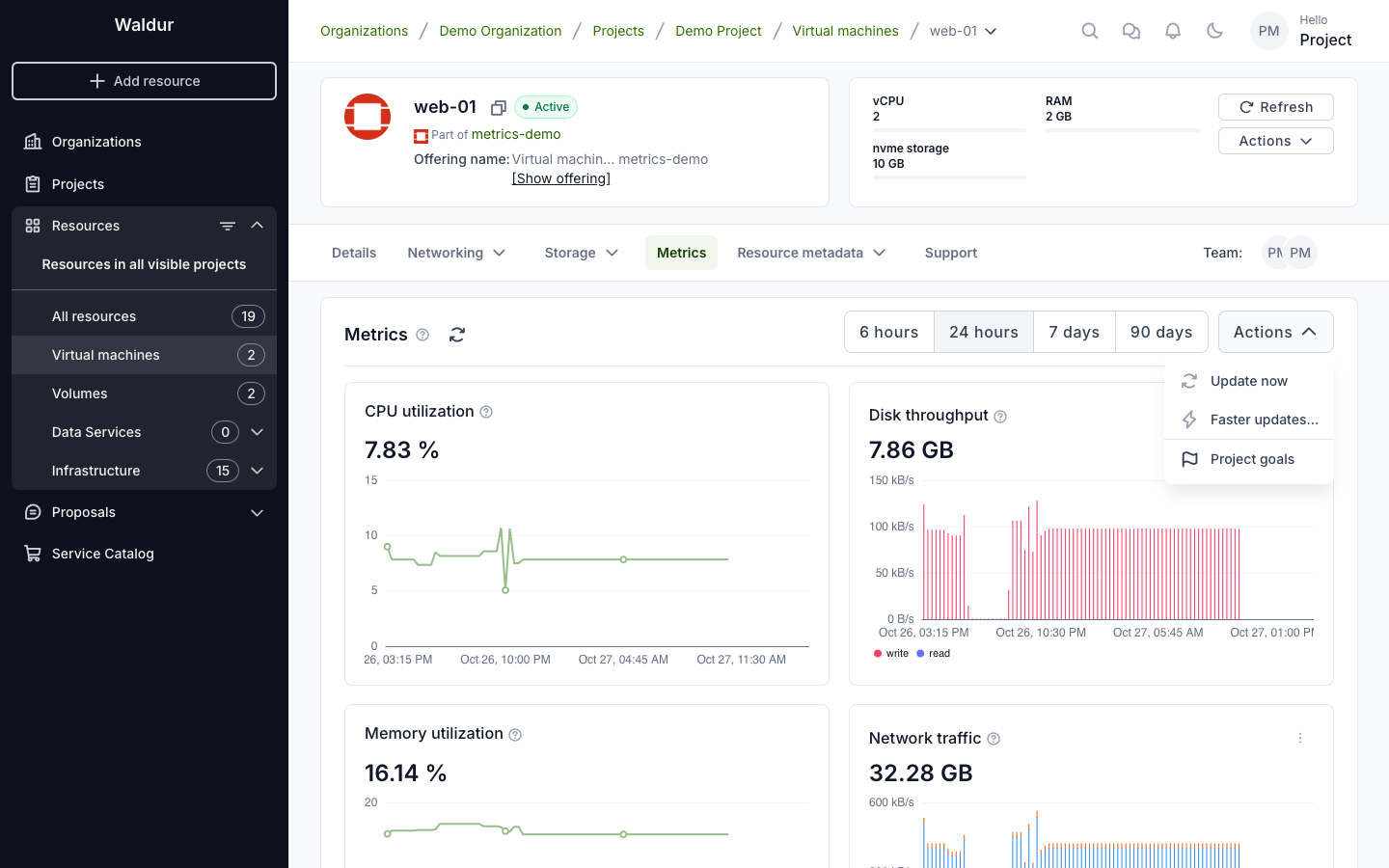
- Update now reads the virtual machine at once; the figures follow within a minute. It can be used once every 5 minutes, and not while the virtual machine is stopped.
-
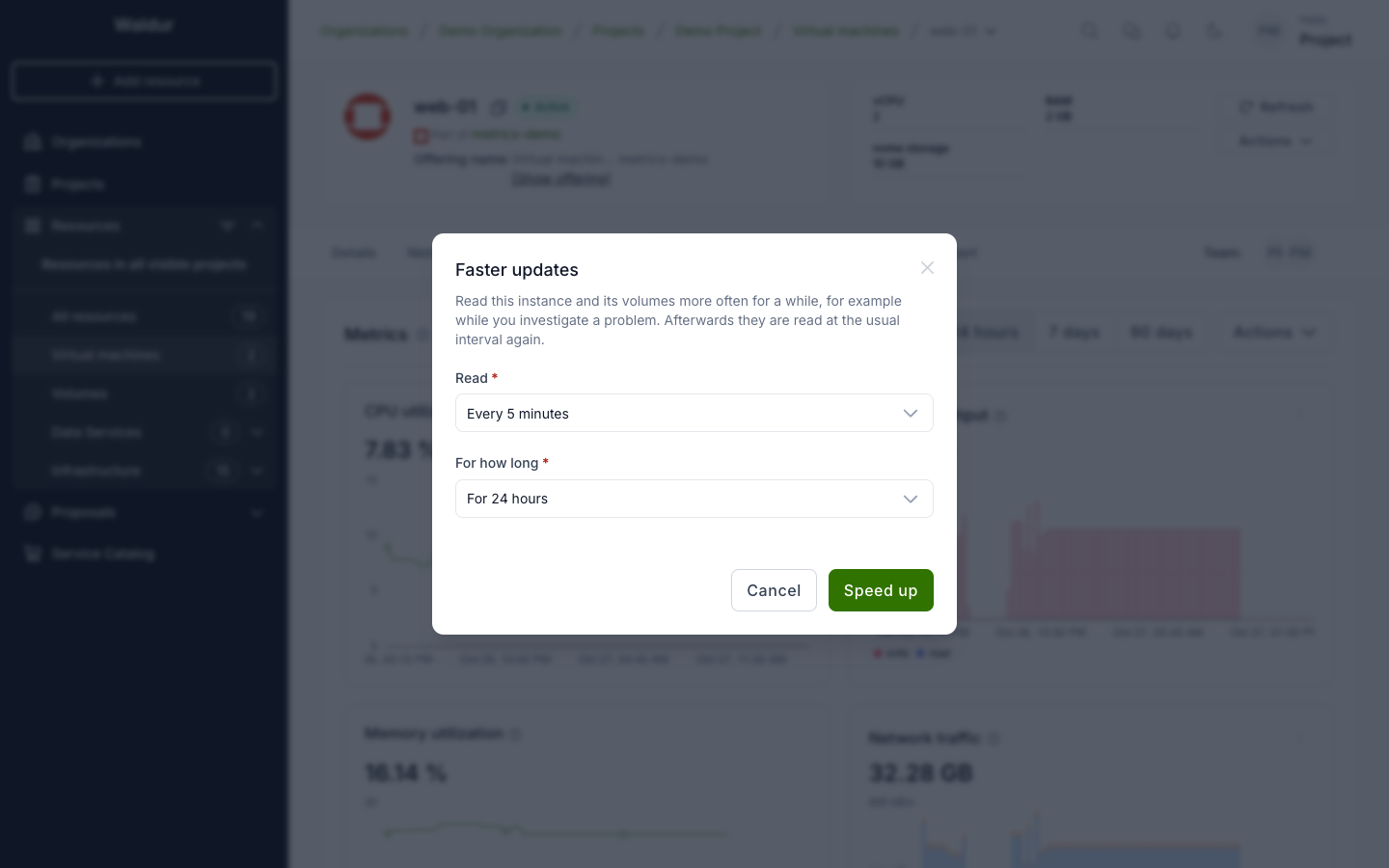
Faster updates… reads it more often for a while: every 5, 15 or 60 minutes, for 1, 6 or 24 hours. Only intervals faster than the provider's usual one are offered. Afterwards it is read at the usual interval again. The tab switches to the last 6 hours, to show the detail.
-
Back to usual updates ends faster updates before their time.
- Project goals opens the project's Metrics tab, where goals are set.
A virtual machine is read only while it runs. When it is stopped, the question mark says so, and Update now and Faster updates… are unavailable.
Volumes
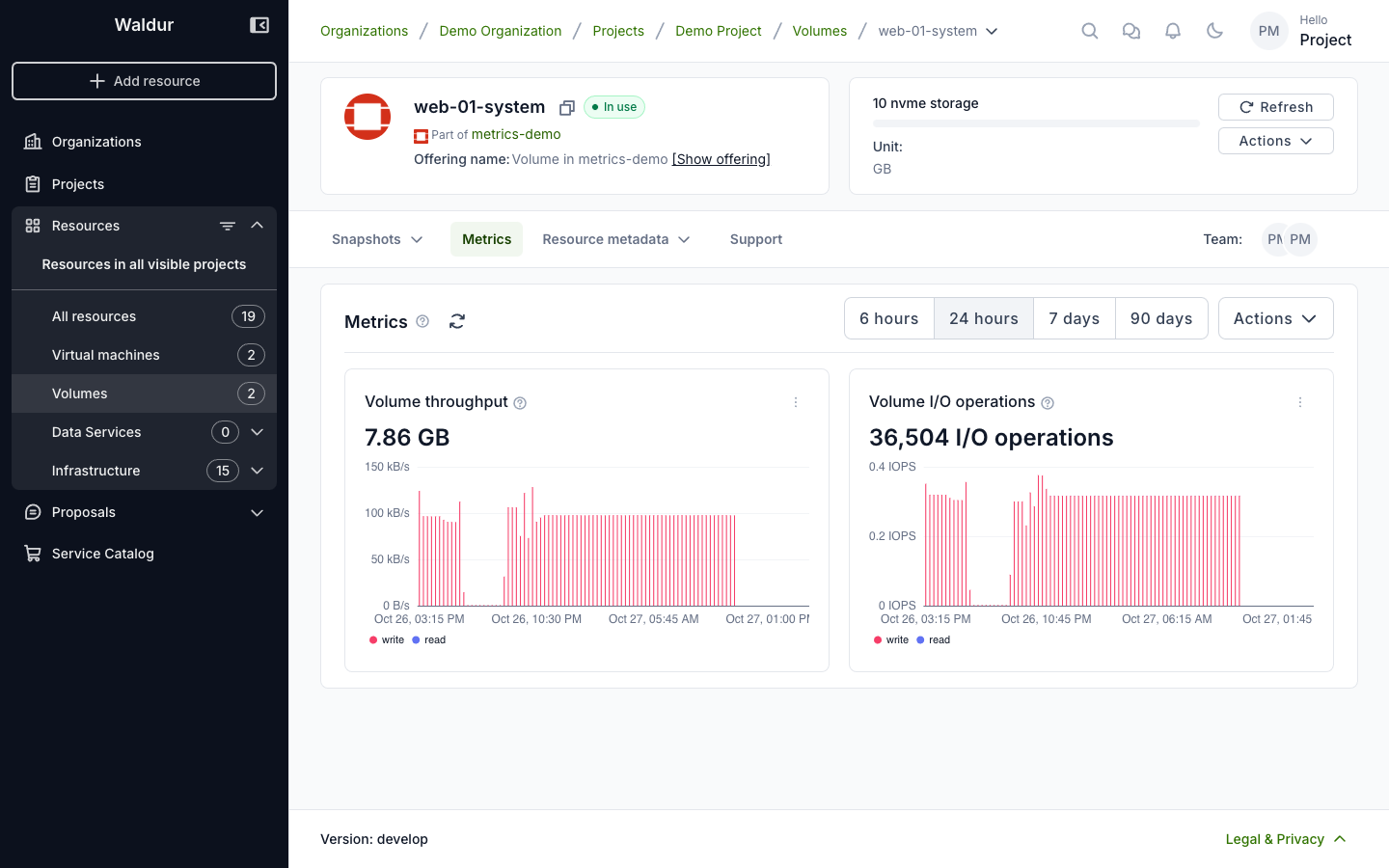
A volume is read with the virtual machine it is attached to. Its Metrics tab shows the volume's own throughput and I/O operations, and the question mark names the virtual machine. Update now and Faster updates… on a volume read that virtual machine, its other volumes included. A detached volume is not read.
Disk or volume throughput?
A virtual machine's Disk throughput and Disk I/O operations cover all its disks; a volume's cover that volume only. For a virtual machine that boots from a volume and has no other disks, both count the same bytes.